|
These screenshots show the most important windows of TotoCalculator 2.
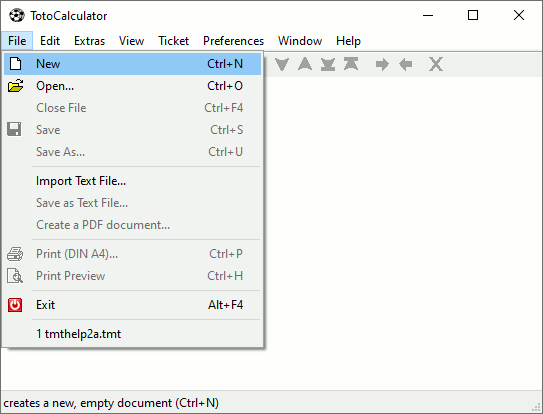
»File - New« creates a new, empty document.
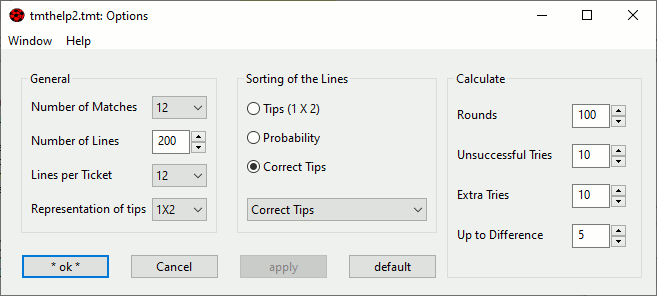
The command »Edit - Options...« opens a window where you can specify the settings for the active document. It’s not necessary to check and change all options, for a start it is enough to specify the number of matches and the number of lines you want to bet.
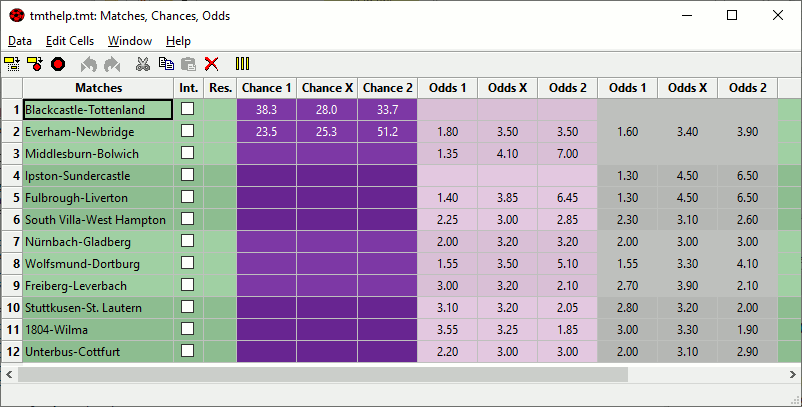
The command »Edit - Input...« opens a window for the input of the matches, results, chances and odds.
To be able to calculate the distribution of tips, TotoCalculator 2 needs either the chances or the odds for the results 1, X and 2 per match. If both chances and odds are specified for one match TotoCalculator 2 will only use the chances.
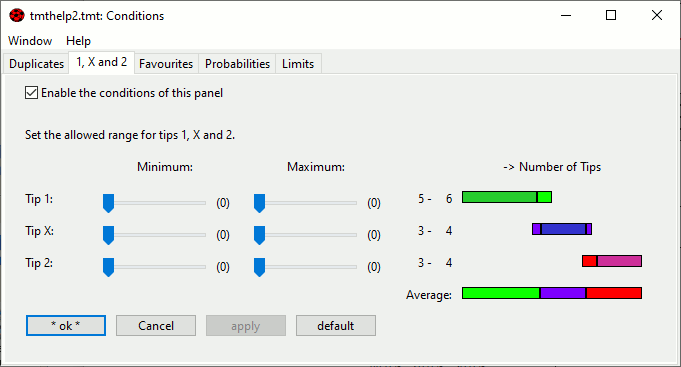
The command »Extras - Conditions...« lets you specify conditions for each line.
A filter is another kind of condition, which lets you exclude combinations of tips from the distribution.
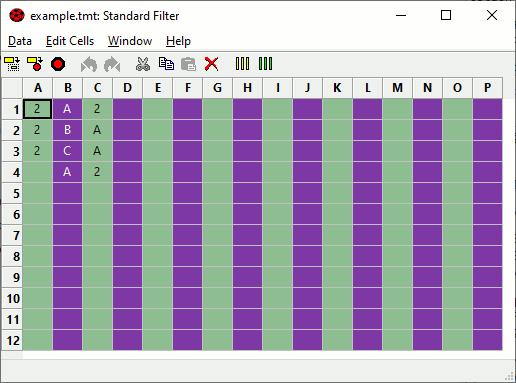
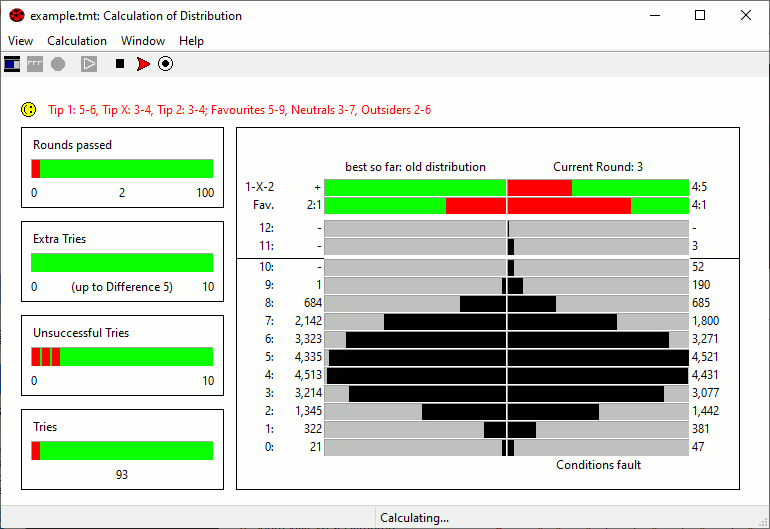
The command »Calculate« causes TotoCalculator 2 to search the optimal distribution of tips using the current options and input.
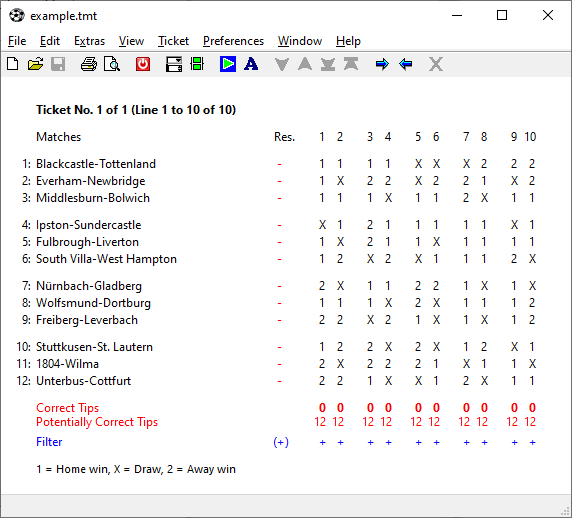
The resulting distribution might look like that:
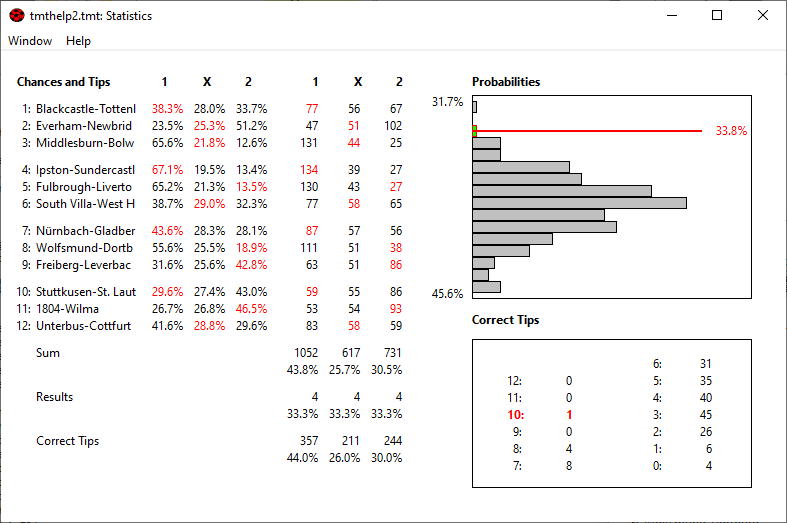
The statistics window displays compact statistic information on the distribution of tips.
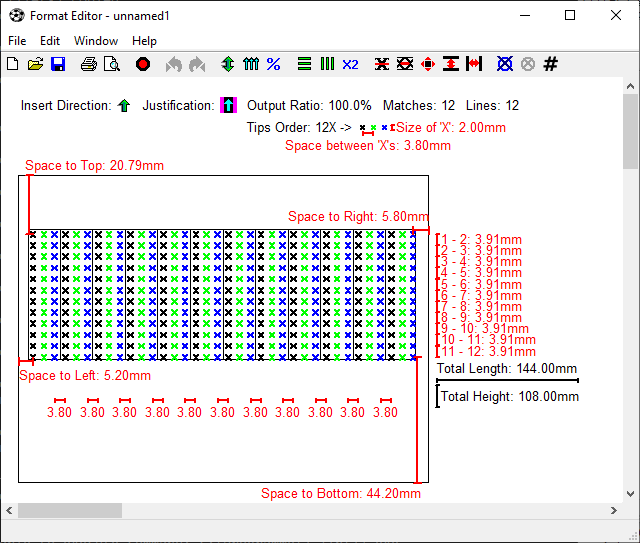
TotoCalculator 2 uses format files to be able to handle the different formats of all the tickets around the world. The Format Editor creates or changes the format files that contain all information TotoCalculator 2 needs for printing a ticket.
|


